ChessRiddle Studio
L’app desktop gratuita per studiare gli scacchi sul serio.
ChessRiddle Studio è un’app di scacchi gratuita e open source per Windows, macOS e Linux. Analizza le tue partite con un coach IA e motori potenti, costruisci e allena il tuo repertorio di aperture e risolvi i problemi di ChessRiddle con il tuo account.
- Gratis
- Open source
- Windows · macOS · Linux
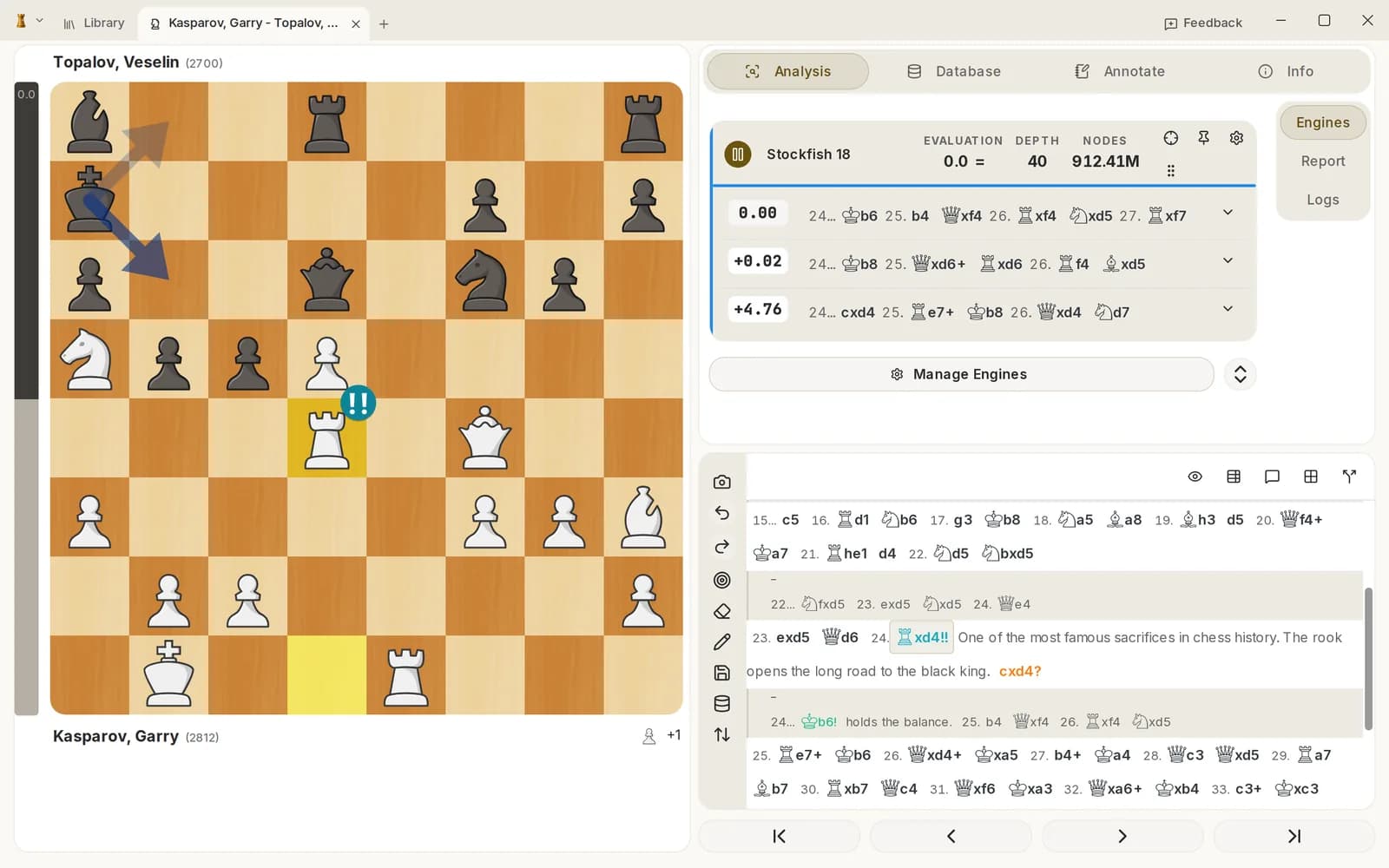
Coach IA
Chiedi di qualsiasi posizione con parole semplici. Prima di rispondere, il coach consulta il tuo motore, il tuo database di riferimento e il tuo repertorio, così la sua spiegazione si basa su un’analisi reale. Collega ChatGPT, Grok, una chiave API o un modello locale.
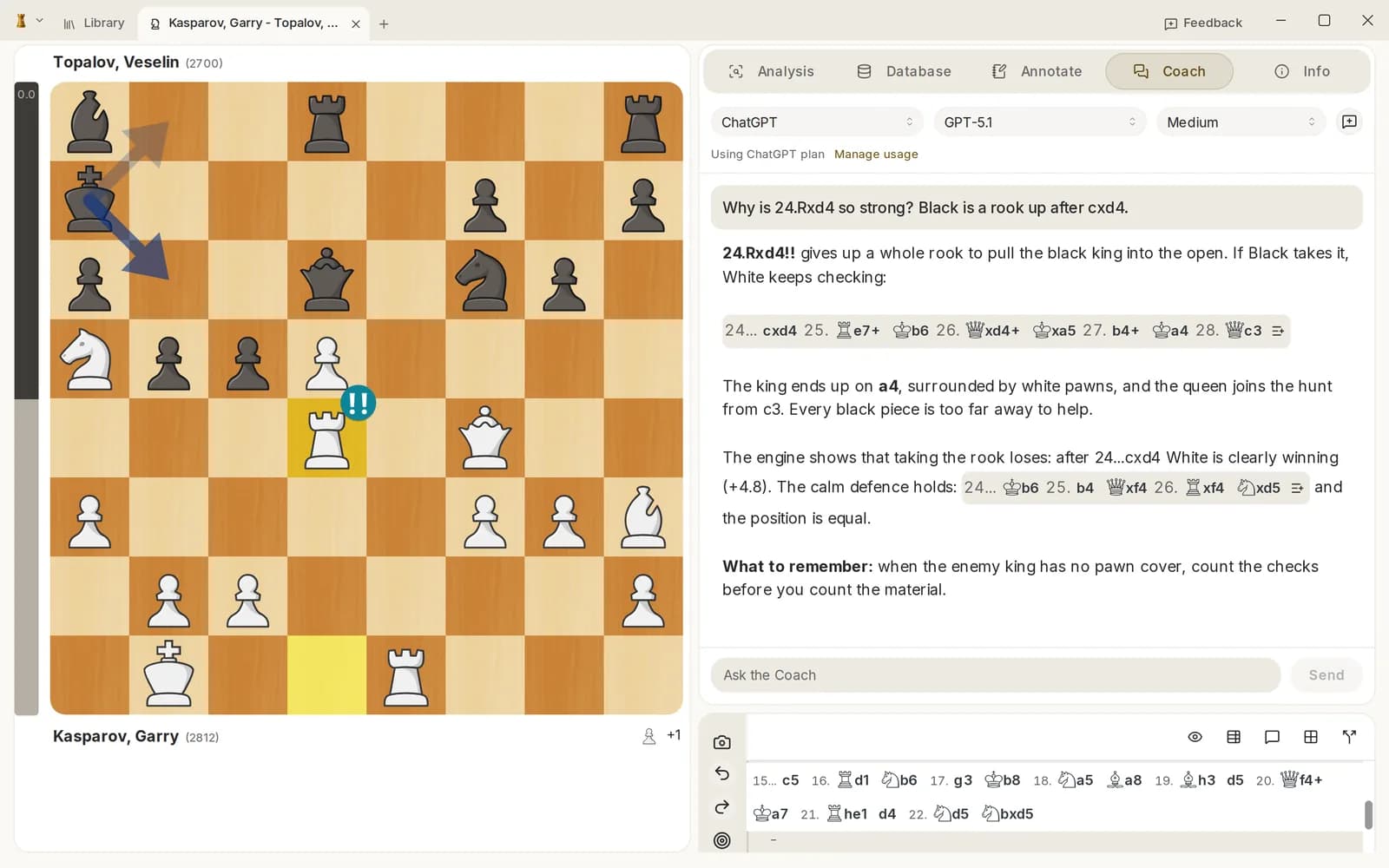
Problemi di ChessRiddle
Risolvi i problemi tattici di ChessRiddle con il tuo account. Scegli difficoltà e tema, riprova i tuoi errori e analizza poi ogni problema con il tuo motore. Il tuo punteggio resta sincronizzato con chessriddle.com.
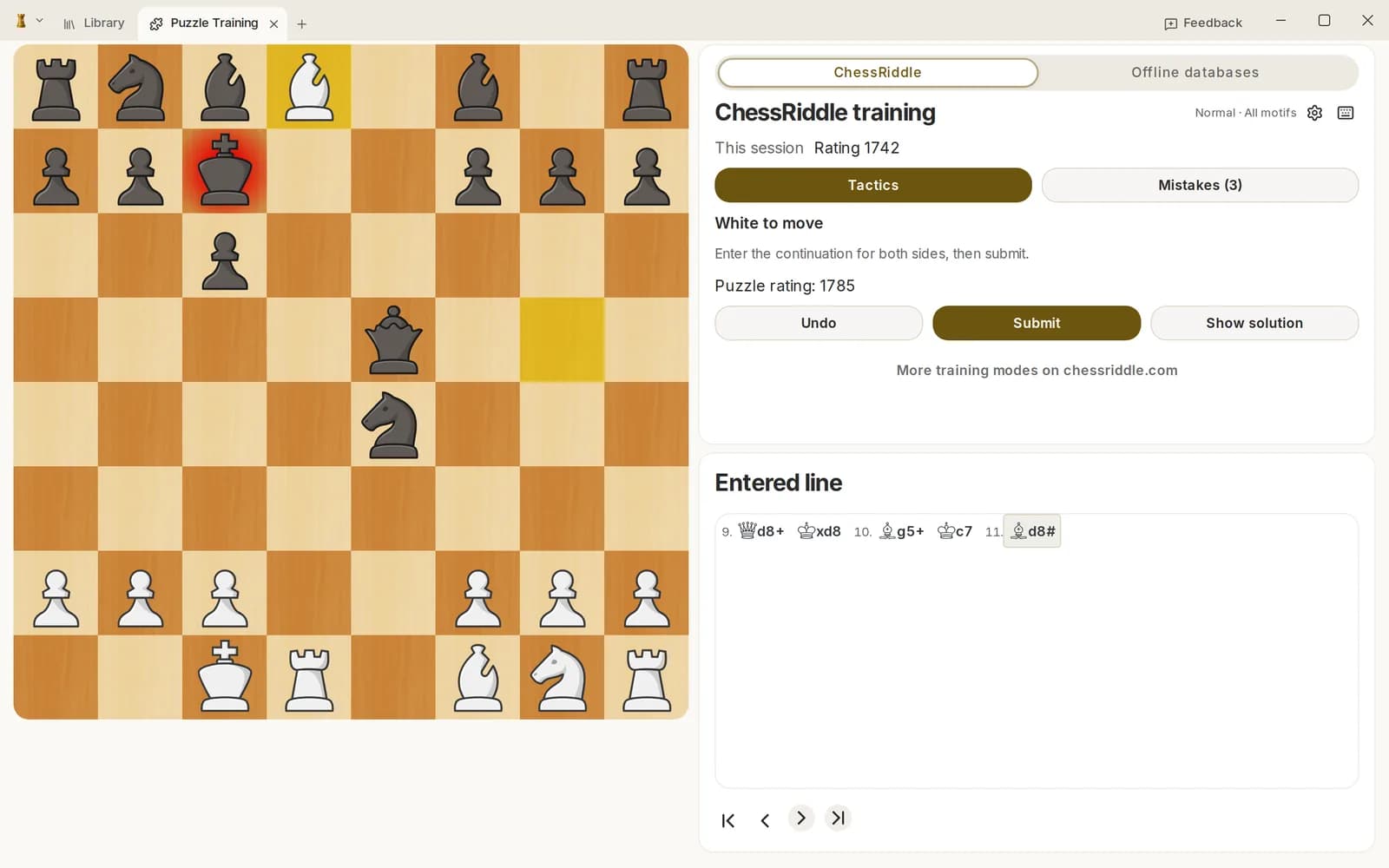
Database di partite
Importa le tue partite da Lichess e Chess.com e cerca qualsiasi posizione in ogni database.
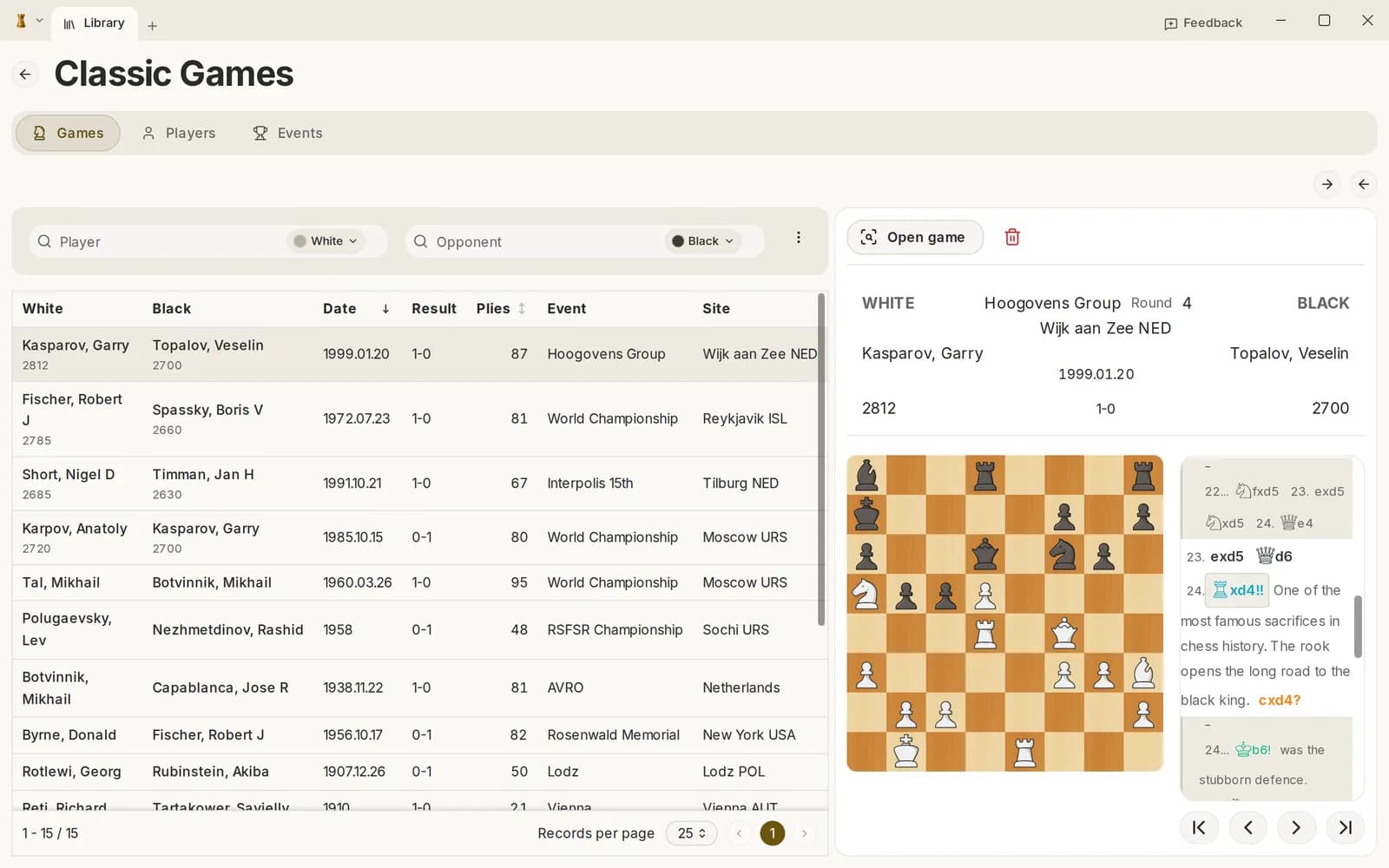
Anche in Studio
Analisi con motore
Fai girare più motori in parallelo. Stockfish e gli altri motori UCI si installano in pochi clic.
Allenamento del repertorio
Costruisci il tuo repertorio di aperture mossa dopo mossa e allenalo con la ripetizione dilazionata. Studio ti chiede ogni linea poco prima che tu la dimentichi.
Gratis e open source
Nessun abbonamento. Il codice sorgente è pubblico su GitHub.
Novità della versione 1.1.0
Le note di rilascio sono in inglese.
New
- Coach: ask an AI about the position on the board. It checks its answers with your own engine and can draw on your reference database and your repertoire. Sign in with ChatGPT or Grok, use an API key (OpenAI, Google Gemini, DeepSeek, Qwen, OpenRouter), or run a local model (Ollama, LM Studio).
- Assistant: an AI helper that explains Studio, takes you straight to the right setting and helps you write feedback. It needs a connected AI.
- Opponent preparation: link an opponent's Lichess and Chess.com accounts to their player card, import their online games in one step and see them beside their over-the-board games.
- Opening training: train all your repertoires for a set number of minutes. Lines that come up often in real games come first and are repeated more.
- Browser extension: an "Analyze in ChessRiddle Studio" button on Lichess and Chess.com opens a finished game in Studio. Get it for Chrome or Firefox; the Safari version is included in the Mac app.
- Notation: open variations are marked and counted, transpositions into other chapters are marked, and ChessBase diagram markers are shown.
- Undo and redo for every edit on the analysis board.
- Unsaved games survive quitting and crashes, and quitting offers to save them.
- Explorer: compare two databases side by side, merge several sources in the opening tree, pin the database panel, filter position search by time control. Filters are saved per database.
Improved
- A new navigation row replaces the title row, the sidebar and the tab strip. Accounts, Engines and Settings open as tabs.
- Stronger last-move highlight with its own colour setting, arrows in six colours, and any engine can drive the evaluation bar.
- Game reports explain themselves, and a new report replaces the previous one.
- Settings can open directly at a setting, and a new Advanced section offers Reload, Clear saved data and Open logs.
- Windows and macOS installers are now signed (macOS also notarized), so the system no longer warns about an unknown developer.
Fixed
- Many bug fixes across databases, analysis, engines and saving.
Download
Scegli il tuo sistema. Ogni download è la versione più recente.
I download sono disponibili su GitHub.
Estensione per il browser
L’estensione per il browser “Analyze in ChessRiddle Studio” aggiunge un pulsante alle partite concluse su Chess.com e Lichess. Un clic apre la partita in una nuova scheda di analisi di ChessRiddle Studio.
ChessRiddle Studio deve essere installato. L’estensione funziona solo su chess.com e lichess.org, non raccoglie dati e non invia richieste di rete.
Funziona anche in altri browser Chromium, come Edge e Brave.
Safari (macOS)
Per Safari non serve un download separato. ChessRiddle Studio per Mac include l’estensione.
- Apri ChessRiddle Studio una volta.
- In Safari apri “Impostazioni”, poi “Estensioni”.
- Seleziona “Analyze in ChessRiddle Studio”.
- Consenti l’estensione su chess.com e lichess.org.
