ChessRiddle Studio
De gratis desktopapp voor serieuze schaakstudie.
ChessRiddle Studio is een gratis, open-source schaakapp voor Windows, macOS en Linux. Analyseer je partijen met een AI-coach en sterke engines, bouw je openingsrepertoire op en train het, en los ChessRiddle-puzzels op met je account.
- Gratis
- Open source
- Windows · macOS · Linux
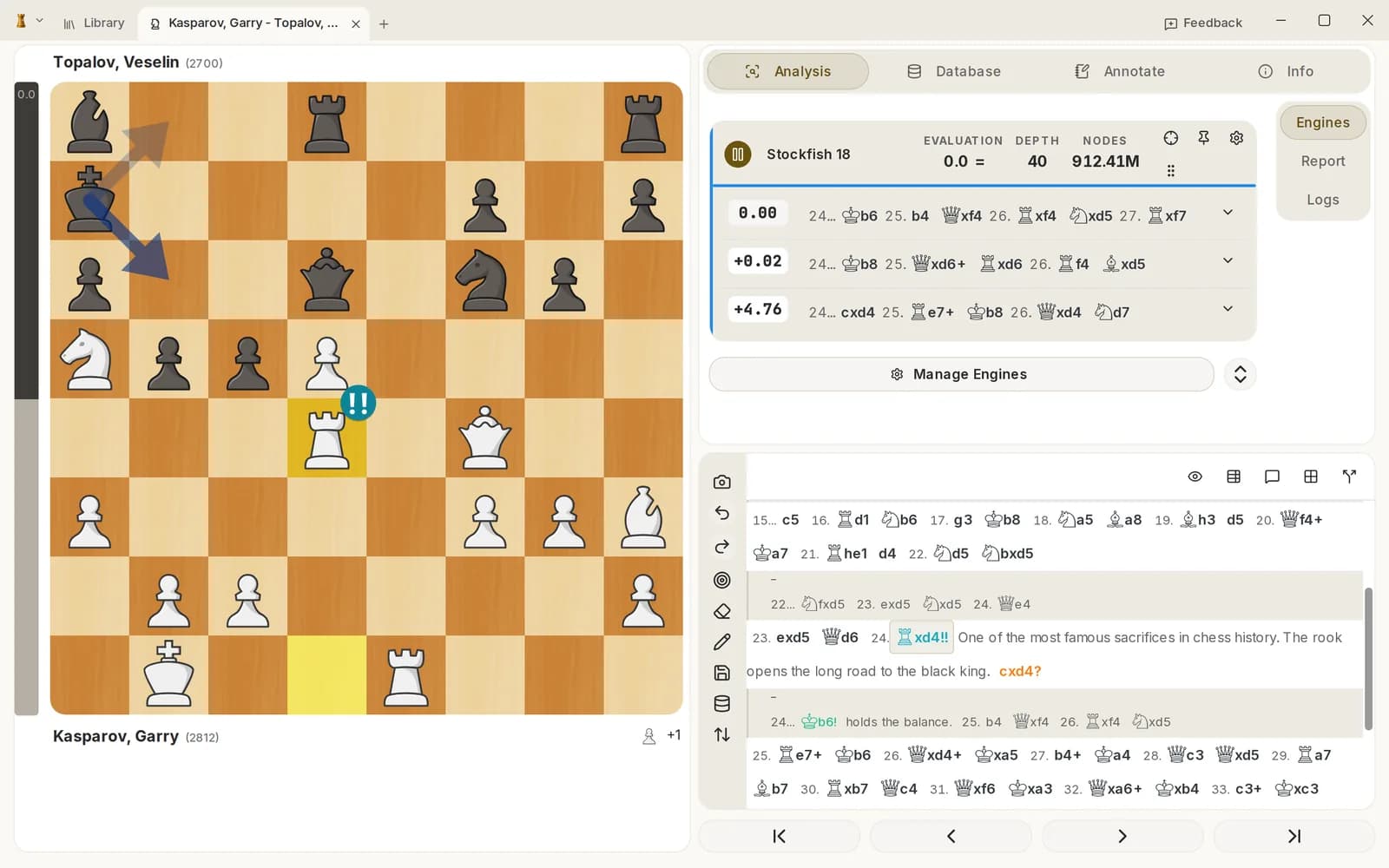
AI-coach
Vraag in gewone taal naar elke stelling. Voordat de coach antwoordt, raadpleegt hij je eigen engine, je referentiedatabase en je repertoire. Zo berust zijn uitleg op echte analyse. Koppel ChatGPT, Grok, een API-sleutel of een lokaal model.
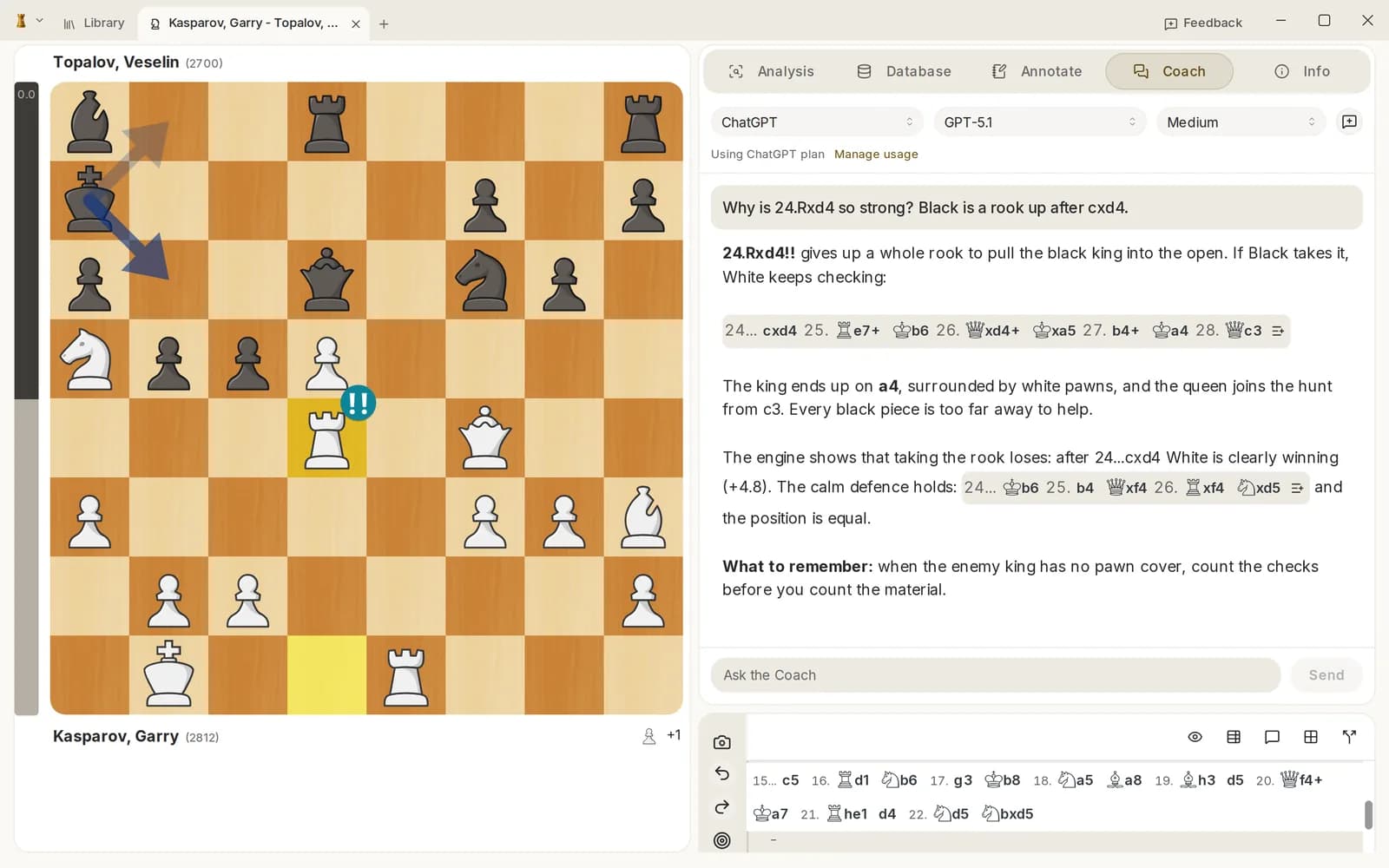
ChessRiddle-puzzels
Los ChessRiddle-tactiekpuzzels op met je account. Kies moeilijkheid en thema, probeer je fouten opnieuw en analyseer daarna elke puzzel met je eigen engine. Je rating blijft gesynchroniseerd met chessriddle.com.
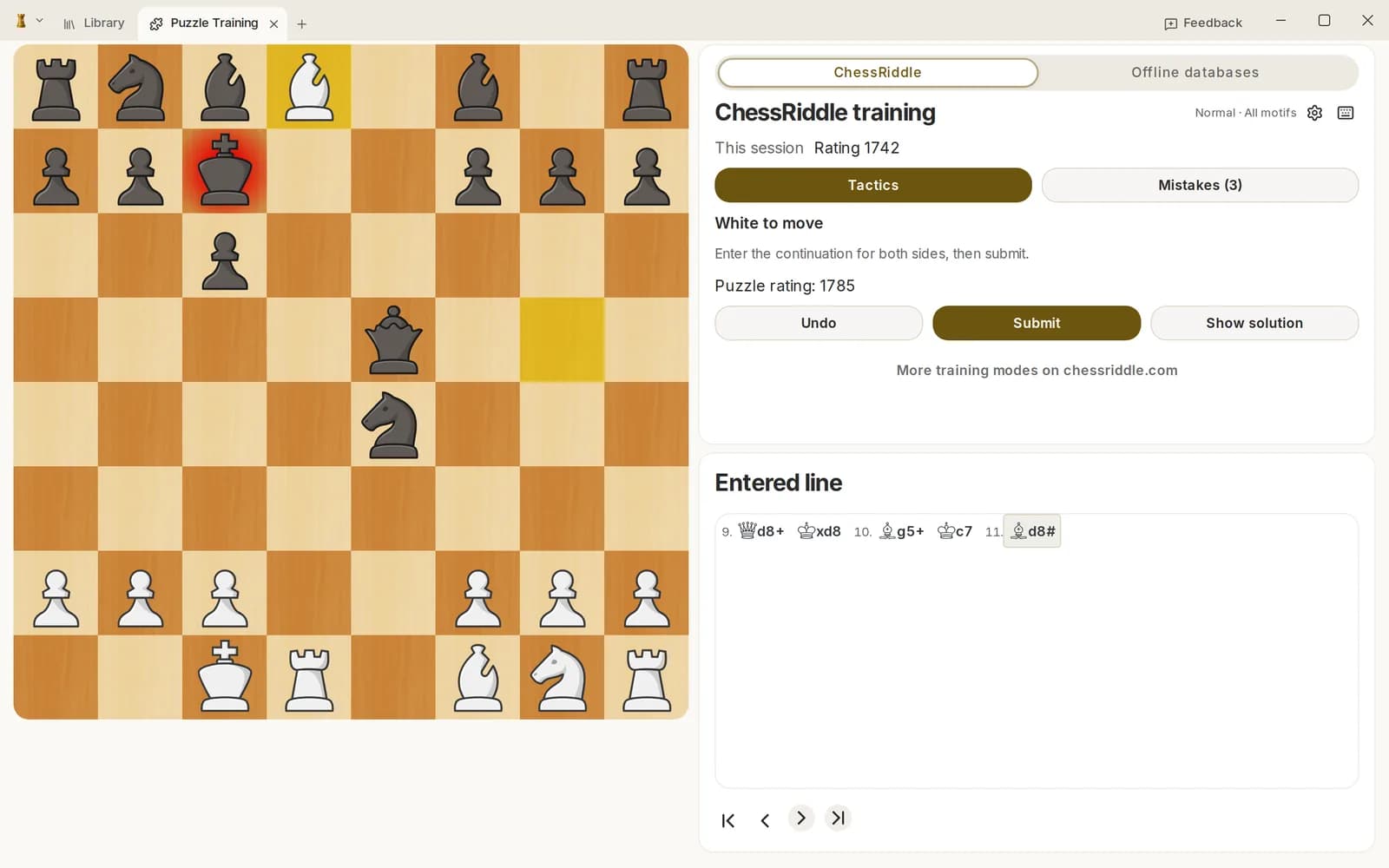
Partijdatabases
Importeer je partijen van Lichess en Chess.com en doorzoek elke database op stelling.
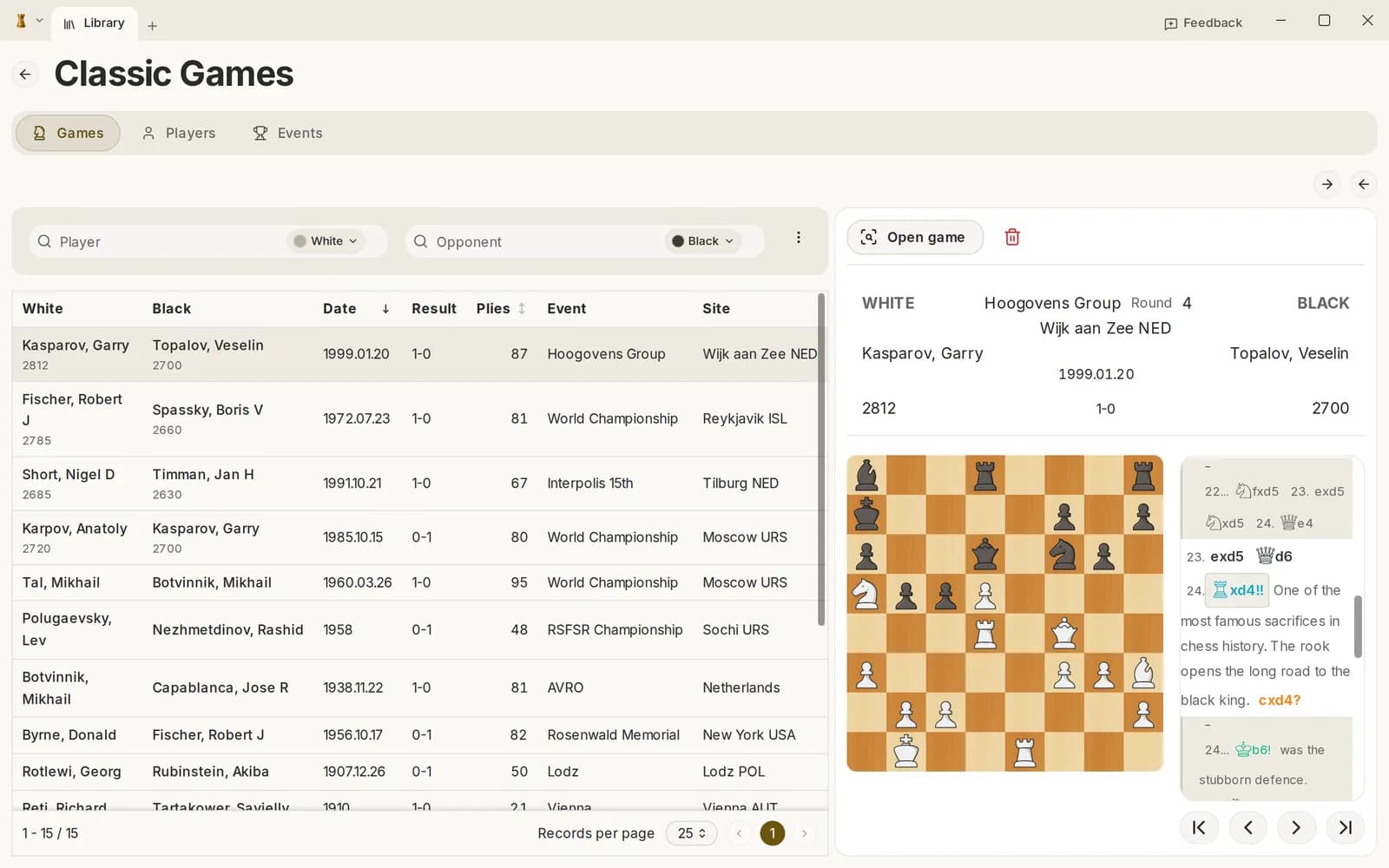
Ook in Studio
Engine-analyse
Laat meerdere engines naast elkaar rekenen. Stockfish en andere UCI-engines installeer je met een paar klikken.
Repertoiretraining
Bouw je openingsrepertoire zet voor zet op en train het met gespreide herhaling. Studio overhoort elke variant net voordat je hem zou vergeten.
Gratis en open source
Geen abonnement. De broncode staat openbaar op GitHub.
Nieuw in versie 1.1.0
De releaseopmerkingen zijn in het Engels.
New
- Coach: ask an AI about the position on the board. It checks its answers with your own engine and can draw on your reference database and your repertoire. Sign in with ChatGPT or Grok, use an API key (OpenAI, Google Gemini, DeepSeek, Qwen, OpenRouter), or run a local model (Ollama, LM Studio).
- Assistant: an AI helper that explains Studio, takes you straight to the right setting and helps you write feedback. It needs a connected AI.
- Opponent preparation: link an opponent's Lichess and Chess.com accounts to their player card, import their online games in one step and see them beside their over-the-board games.
- Opening training: train all your repertoires for a set number of minutes. Lines that come up often in real games come first and are repeated more.
- Browser extension: an "Analyze in ChessRiddle Studio" button on Lichess and Chess.com opens a finished game in Studio. Get it for Chrome or Firefox; the Safari version is included in the Mac app.
- Notation: open variations are marked and counted, transpositions into other chapters are marked, and ChessBase diagram markers are shown.
- Undo and redo for every edit on the analysis board.
- Unsaved games survive quitting and crashes, and quitting offers to save them.
- Explorer: compare two databases side by side, merge several sources in the opening tree, pin the database panel, filter position search by time control. Filters are saved per database.
Improved
- A new navigation row replaces the title row, the sidebar and the tab strip. Accounts, Engines and Settings open as tabs.
- Stronger last-move highlight with its own colour setting, arrows in six colours, and any engine can drive the evaluation bar.
- Game reports explain themselves, and a new report replaces the previous one.
- Settings can open directly at a setting, and a new Advanced section offers Reload, Clear saved data and Open logs.
- Windows and macOS installers are now signed (macOS also notarized), so the system no longer warns about an unknown developer.
Fixed
- Many bug fixes across databases, analysis, engines and saving.
Downloaden
Kies je systeem. Elke download is de nieuwste versie.
De downloads staan op GitHub.
Browserextensie
De browserextensie “Analyze in ChessRiddle Studio” voegt een knop toe aan afgelopen partijen op Chess.com en Lichess. Met één klik open je de partij in een nieuw analysetabblad in ChessRiddle Studio.
ChessRiddle Studio moet geïnstalleerd zijn. De extensie werkt alleen op chess.com en lichess.org, verzamelt geen gegevens en verstuurt geen netwerkverzoeken.
Werkt ook in andere Chromium-browsers, zoals Edge en Brave.
Safari (macOS)
Voor Safari is geen aparte download nodig. ChessRiddle Studio voor Mac bevat de extensie.
- Open ChessRiddle Studio één keer.
- Open in Safari “Instellingen” en vervolgens “Extensies”.
- Vink “Analyze in ChessRiddle Studio” aan.
- Sta de extensie toe op chess.com en lichess.org.
