ChessRiddle Studio
Die kostenlose Desktop-App für ernsthaftes Schachtraining.
ChessRiddle Studio ist eine kostenlose, quelloffene Schach-App für Windows, macOS und Linux. Analysiere deine Partien mit einem KI-Coach und starken Engines, baue dein Eröffnungsrepertoire auf und trainiere es, und löse ChessRiddle-Aufgaben mit deinem Konto.
- Kostenlos
- Quelloffen
- Windows · macOS · Linux
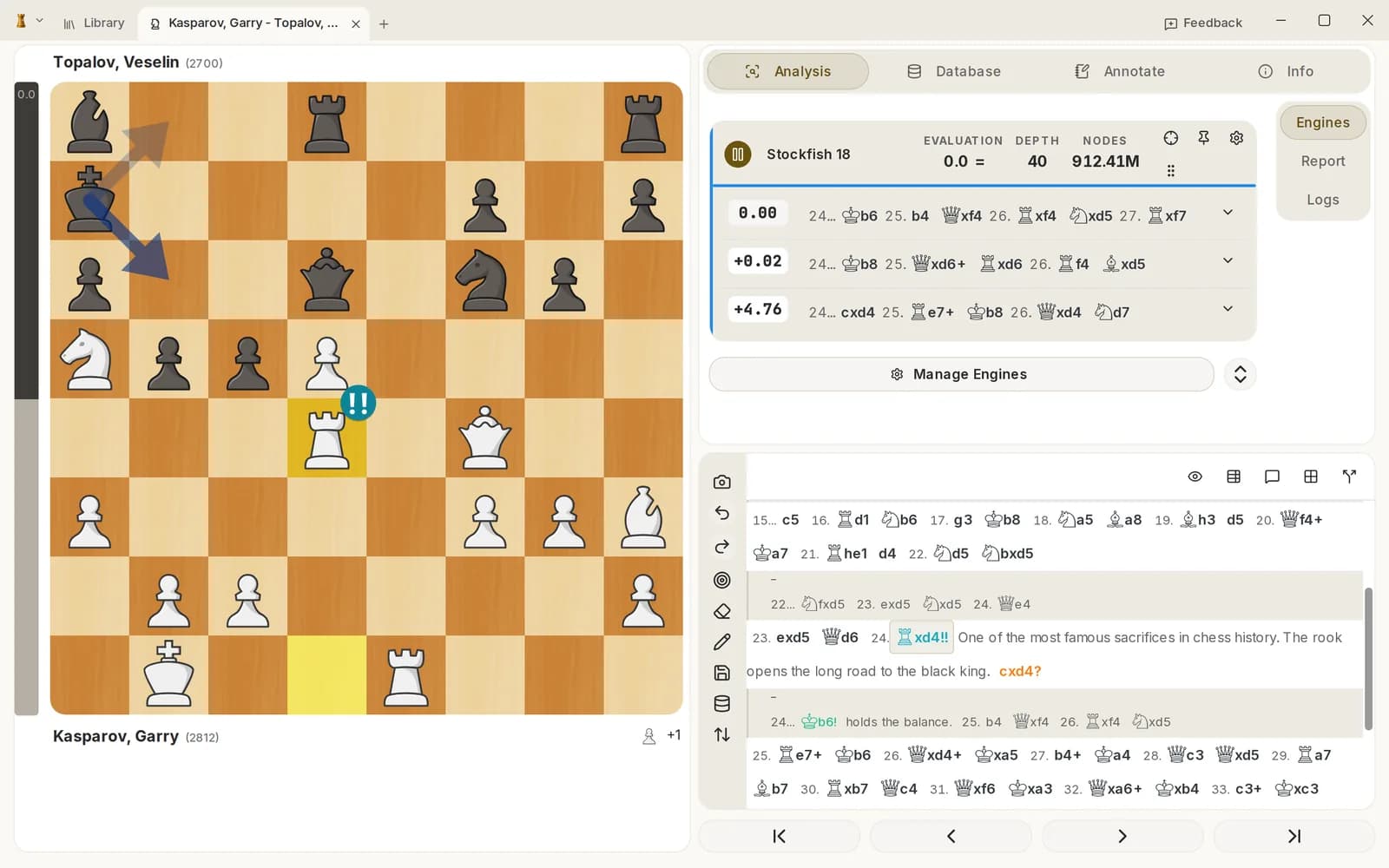
KI-Coach
Frag in normalen Worten nach jeder Stellung. Bevor der Coach antwortet, prüft er deine eigene Engine, deine Referenzdatenbank und dein Repertoire. So beruht seine Erklärung auf echter Analyse. Verbinde ChatGPT, Grok, einen API-Schlüssel oder ein lokales Modell.
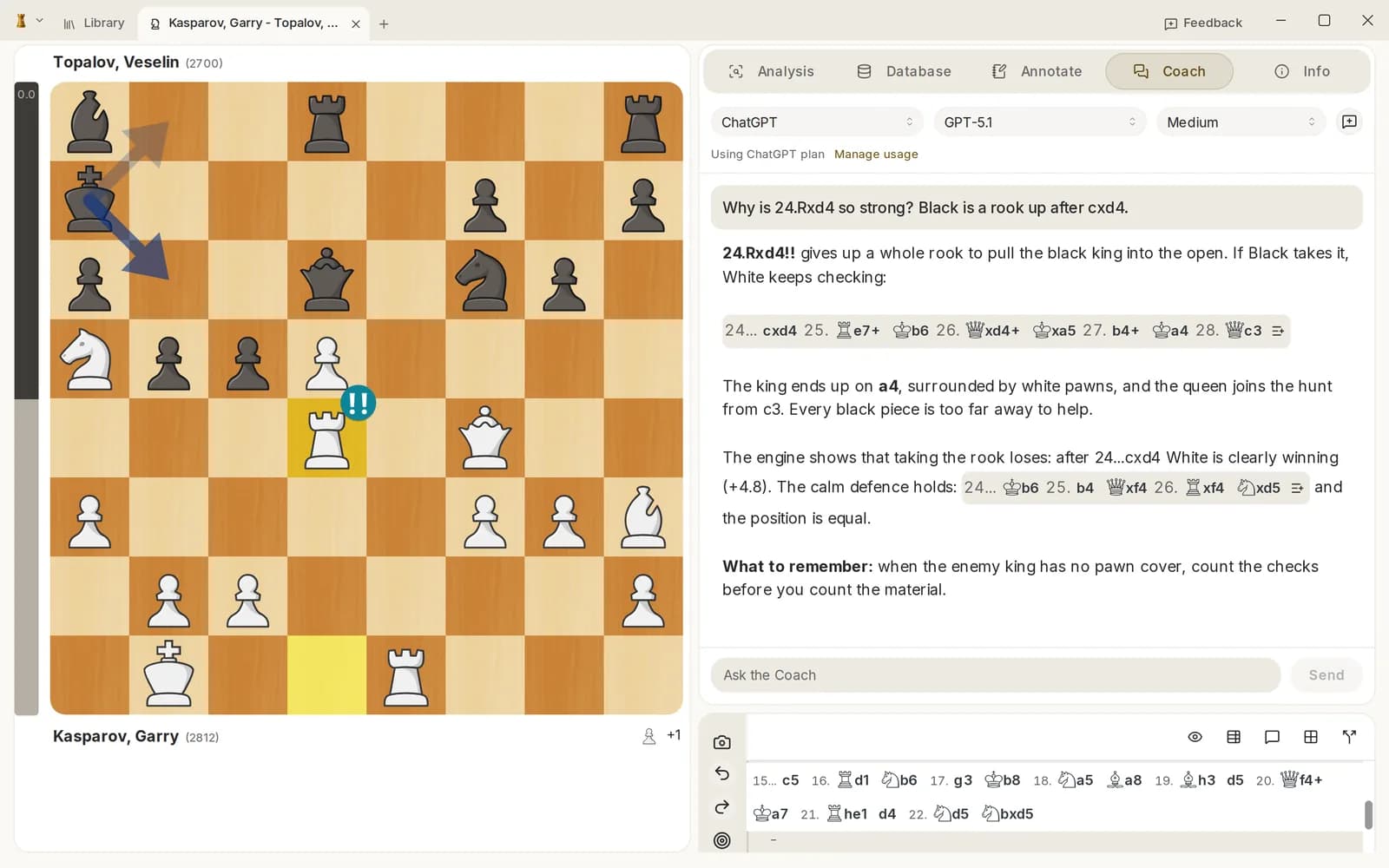
ChessRiddle-Aufgaben
Löse ChessRiddle-Taktikaufgaben mit deinem Konto. Wähle Schwierigkeit und Motiv, wiederhole deine Fehler und analysiere jede Aufgabe danach mit deiner eigenen Engine. Deine Wertung bleibt mit chessriddle.com synchron.
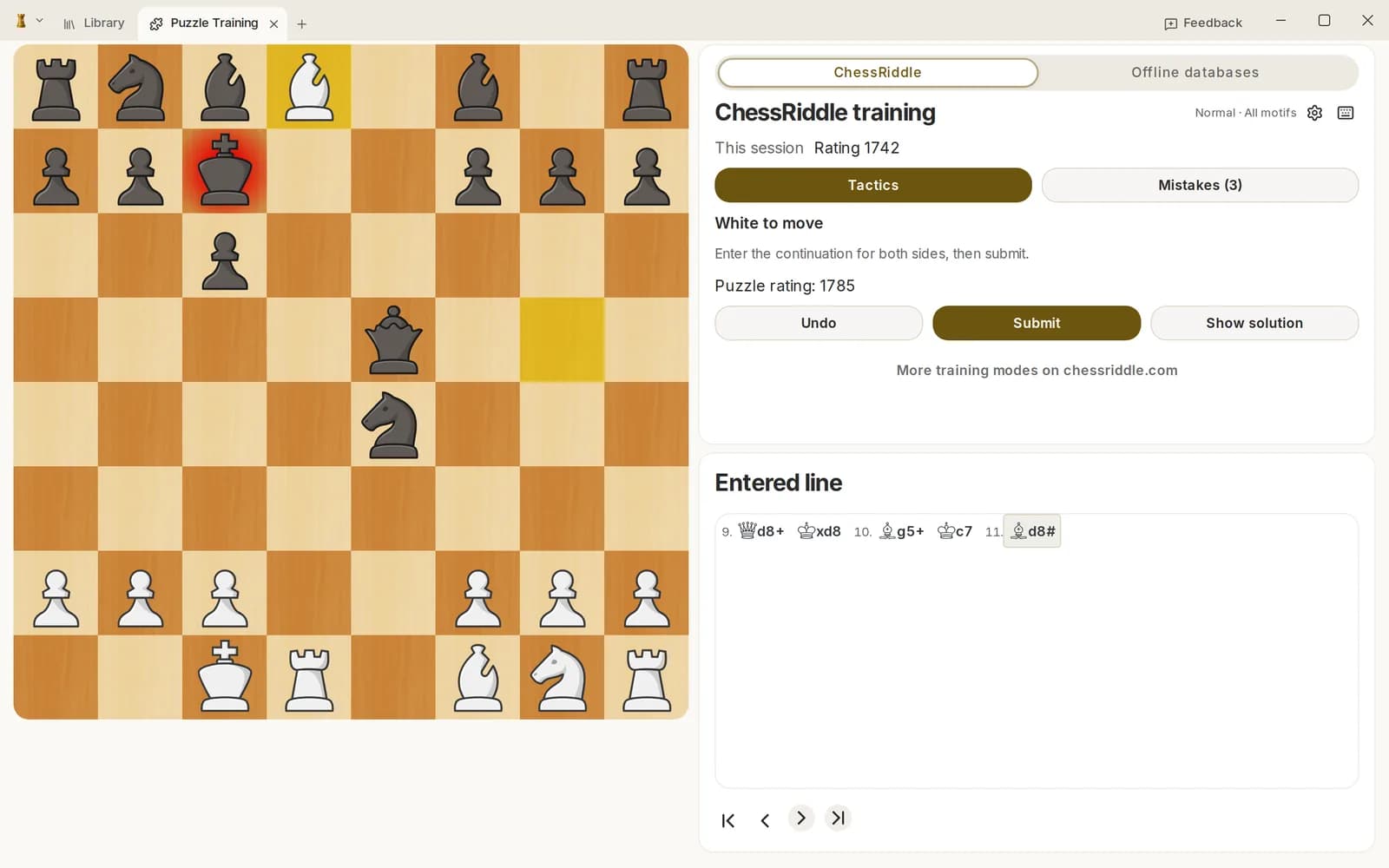
Partiedatenbanken
Importiere deine Partien von Lichess und Chess.com und durchsuche jede Datenbank nach Stellungen.
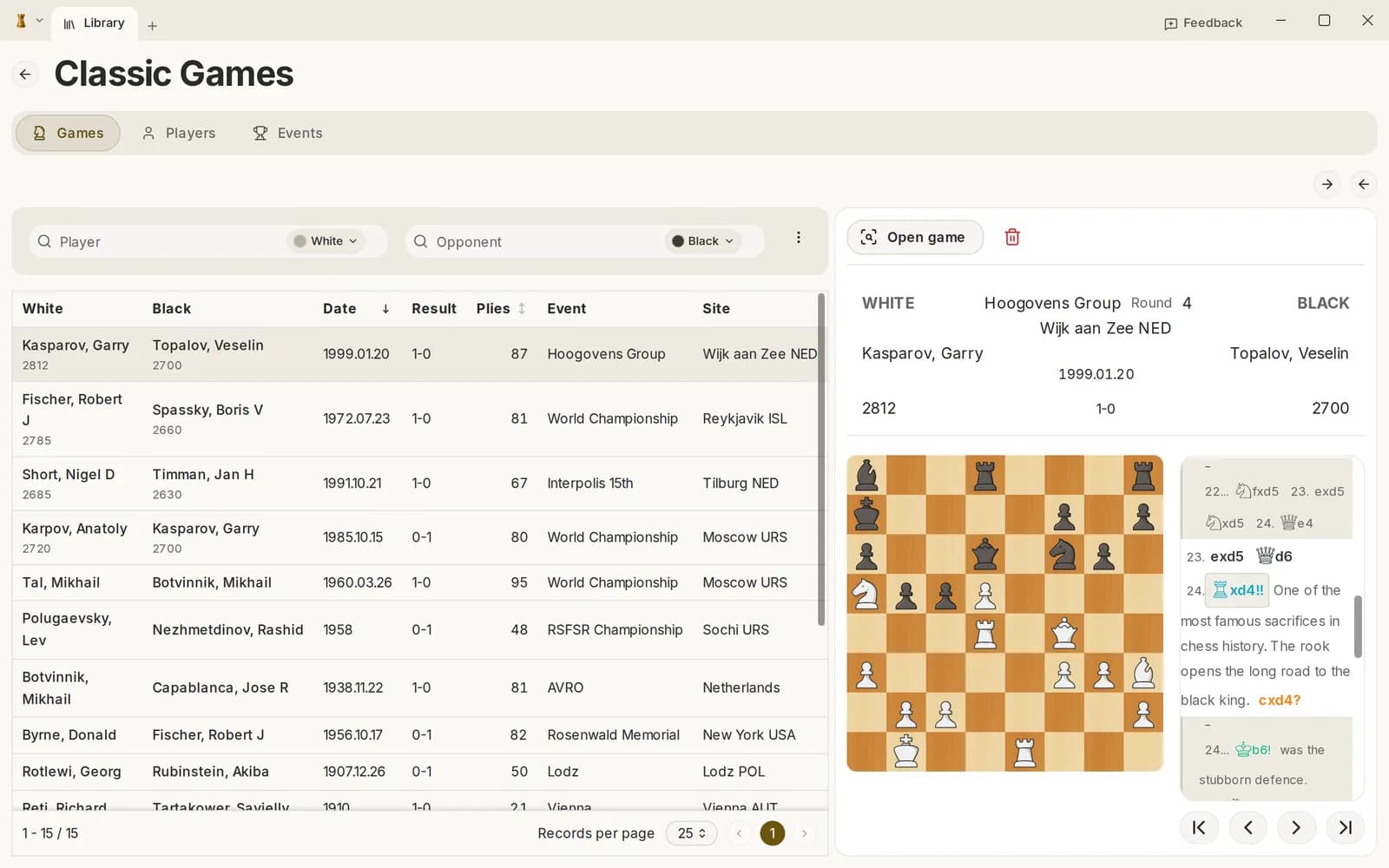
Außerdem in Studio
Engine-Analyse
Lass mehrere Engines nebeneinander rechnen. Stockfish und andere UCI-Engines installierst du mit wenigen Klicks.
Repertoiretraining
Baue dein Eröffnungsrepertoire Zug für Zug auf und trainiere es mit verteilter Wiederholung. Studio fragt jede Variante ab, kurz bevor du sie vergessen würdest.
Kostenlos und quelloffen
Kein Abo. Der Quellcode ist öffentlich auf GitHub.
Neu in Version 1.1.0
Die Versionshinweise sind auf Englisch.
New
- Coach: ask an AI about the position on the board. It checks its answers with your own engine and can draw on your reference database and your repertoire. Sign in with ChatGPT or Grok, use an API key (OpenAI, Google Gemini, DeepSeek, Qwen, OpenRouter), or run a local model (Ollama, LM Studio).
- Assistant: an AI helper that explains Studio, takes you straight to the right setting and helps you write feedback. It needs a connected AI.
- Opponent preparation: link an opponent's Lichess and Chess.com accounts to their player card, import their online games in one step and see them beside their over-the-board games.
- Opening training: train all your repertoires for a set number of minutes. Lines that come up often in real games come first and are repeated more.
- Browser extension: an "Analyze in ChessRiddle Studio" button on Lichess and Chess.com opens a finished game in Studio. Get it for Chrome or Firefox; the Safari version is included in the Mac app.
- Notation: open variations are marked and counted, transpositions into other chapters are marked, and ChessBase diagram markers are shown.
- Undo and redo for every edit on the analysis board.
- Unsaved games survive quitting and crashes, and quitting offers to save them.
- Explorer: compare two databases side by side, merge several sources in the opening tree, pin the database panel, filter position search by time control. Filters are saved per database.
Improved
- A new navigation row replaces the title row, the sidebar and the tab strip. Accounts, Engines and Settings open as tabs.
- Stronger last-move highlight with its own colour setting, arrows in six colours, and any engine can drive the evaluation bar.
- Game reports explain themselves, and a new report replaces the previous one.
- Settings can open directly at a setting, and a new Advanced section offers Reload, Clear saved data and Open logs.
- Windows and macOS installers are now signed (macOS also notarized), so the system no longer warns about an unknown developer.
Fixed
- Many bug fixes across databases, analysis, engines and saving.
Download
Wähle dein System. Jeder Download ist die neueste Version.
Die Downloads findest du auf GitHub.
Browser-Erweiterung
Die Browser-Erweiterung „Analyze in ChessRiddle Studio“ fügt beendeten Partien auf Chess.com und Lichess einen Button hinzu. Ein Klick öffnet die Partie in einem neuen Analyse-Tab in ChessRiddle Studio.
ChessRiddle Studio muss installiert sein. Die Erweiterung läuft nur auf chess.com und lichess.org, sammelt keine Daten und sendet keine Netzwerkanfragen.
Funktioniert auch in anderen Chromium-Browsern wie Edge und Brave.
Safari (macOS)
Für Safari brauchst du keinen separaten Download. ChessRiddle Studio für Mac enthält die Erweiterung.
- Öffne ChessRiddle Studio einmal.
- Öffne in Safari „Einstellungen“ und dann „Erweiterungen“.
- Setze das Häkchen bei „Analyze in ChessRiddle Studio“.
- Erlaube die Erweiterung auf chess.com und lichess.org.
